IPTV stands for Internet Protocol Television. Put simply, it is television delivered over an internet connection instead of through a cable network, a satellite dish or a rooftop aerial. The channels, films and series arrive as data, the same way a web page or a video call does, and an app on your TV, streaming stick, phone or computer turns that data into pictures.
If you have ever watched a live channel in an app or used a TV box from your broadband provider, you have already used IPTV in some form. This guide explains how it works in plain English, what you can watch, what equipment you need, how it compares with cable and satellite, and how to choose a reliable service.
How IPTV works
Traditional TV broadcasts every channel at once. A satellite or aerial signal carries all of them all the time, and your TV simply tunes in to one. IPTV works the other way round: your device asks for the one channel you want, and only that channel is sent to you. Behind the scenes, four things happen:
- Capture and encoding: each TV channel is received and converted into a compressed digital video stream.
- Servers: the streams are stored and sent out from servers, often spread across several locations so viewers connect to one nearby.
- Delivery: when you select a channel, your device requests it and the server sends a continuous flow of small video segments over the internet.
- Playback: your player app stores a few seconds of video in a buffer and plays it, so small delays in the connection go unnoticed.
Because everything travels over the internet, the quality of your experience depends heavily on your connection. When the buffer empties faster than new video arrives, the picture freezes. That is what people call buffering, and our guide to fixing IPTV buffering explains how to prevent it.
What you can watch on IPTV
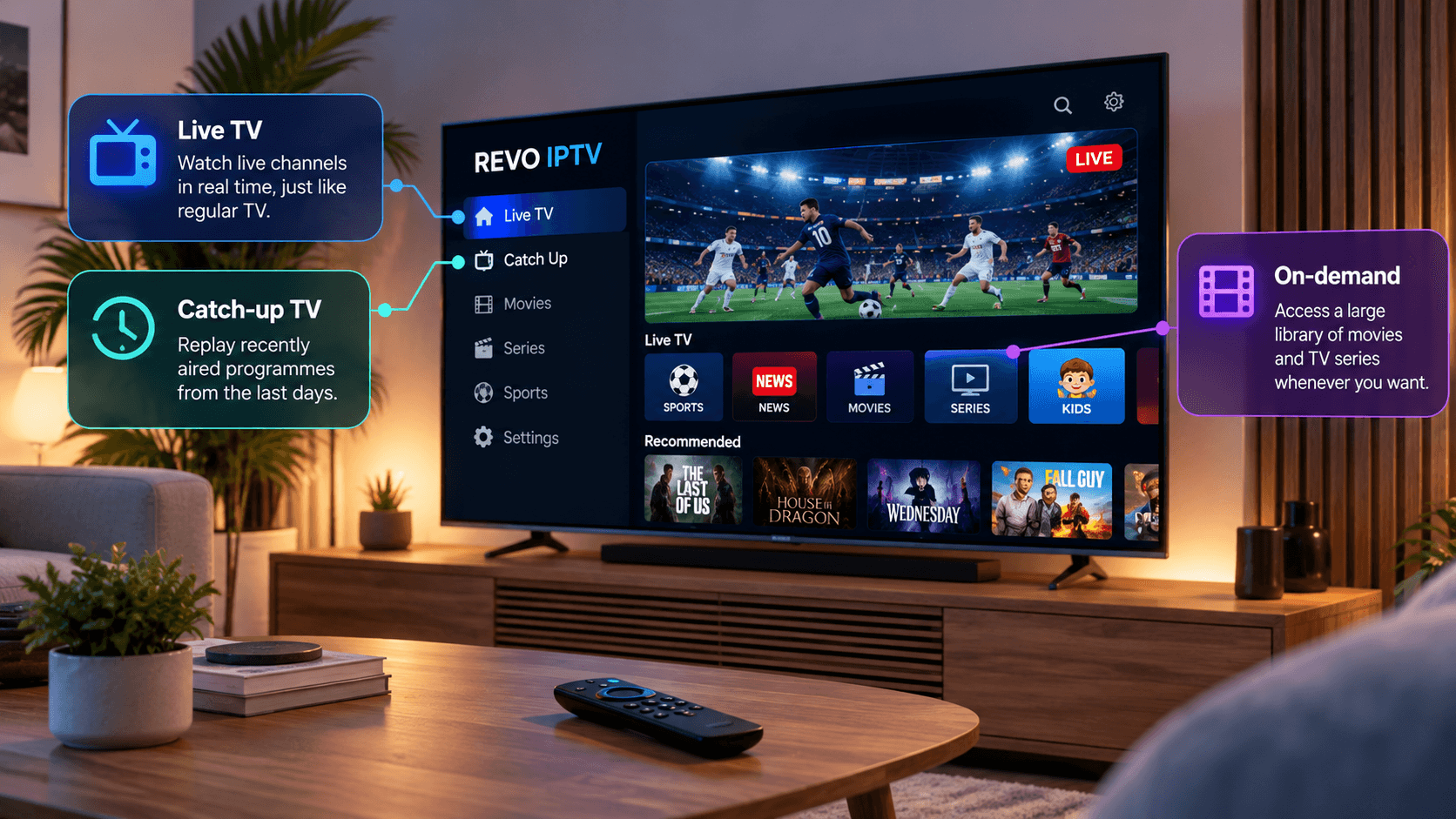
Most IPTV services combine three types of content in one app.
Live TV
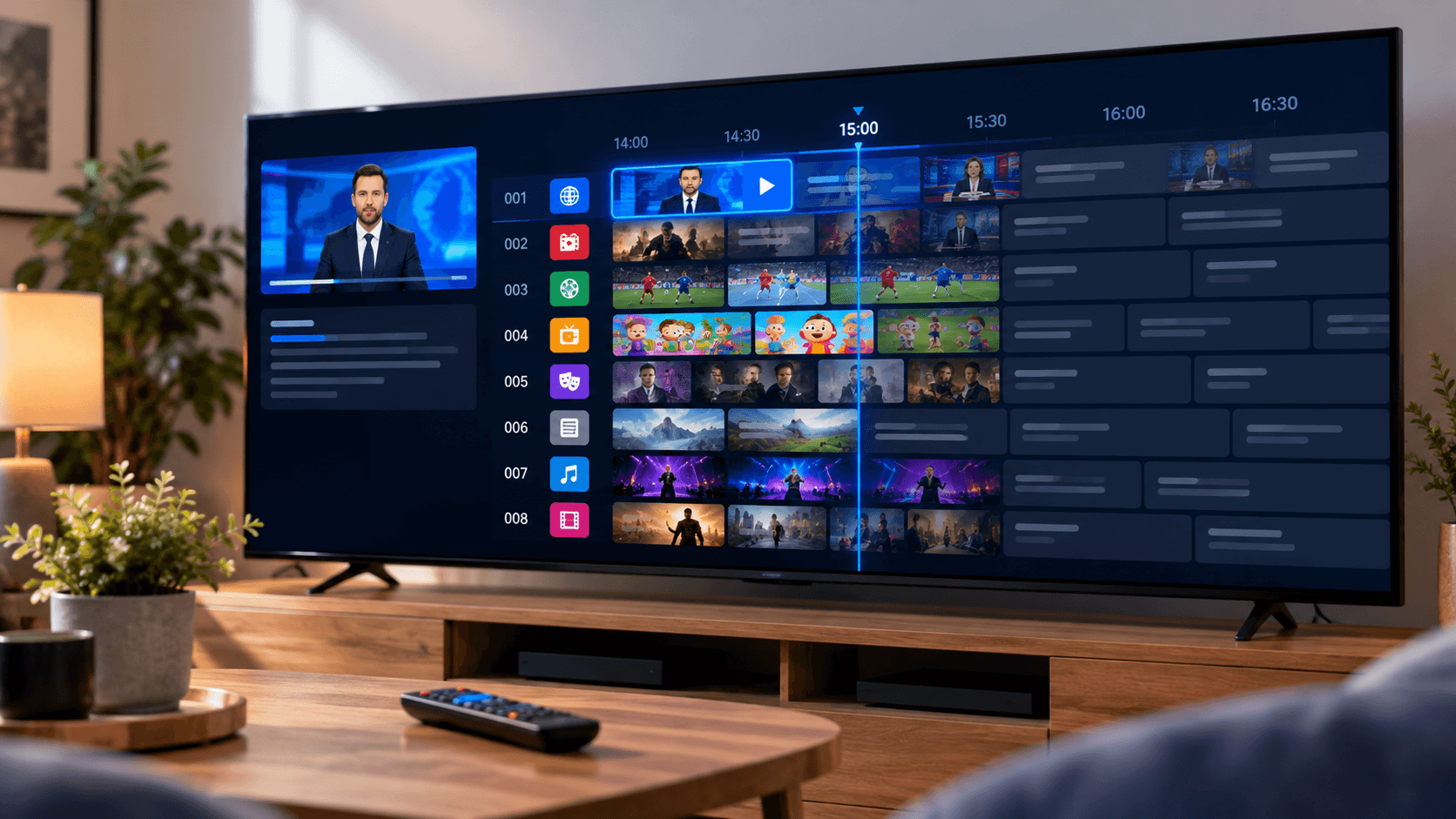
Live channels play in real time, just like normal television: news, sport, entertainment, kids’ channels and more, organised into groups. You flick between them with the remote and see what is on now and next in the programme guide.
Catch-up TV
Catch-up, sometimes called time-shift or archive, lets you go back in the guide and play programmes that have already been shown, usually for a limited number of days. Not every channel offers it, so look for a catch-up or archive icon next to the channel name.
Video on demand
Video on demand (VOD) is a library of films and series that you can start whenever you like, pause and resume, much like a streaming service. It sits in its own section of the app, separate from live channels.
Tying it all together is the electronic programme guide, or EPG: the on-screen TV guide that shows what is on each channel and when. Our explainer on what an EPG is in IPTV covers it in detail.
Two kinds of IPTV
The term IPTV covers two quite different setups, which often causes confusion.
Managed IPTV is run by a broadband or telecom company over its own private network. The TV box you get from your internet provider is an example: the provider controls the whole route from its servers to your home, so it can guarantee quality.
Internet IPTV services, which most people mean today, deliver channels over the public internet to any compatible device using a player app. They are far more flexible, since you can use them on almost any screen and with any broadband provider, but quality depends more on your home connection. Strictly speaking this is a form of OTT streaming, and our comparison of IPTV vs OTT explains the difference in detail.
IPTV vs cable and satellite
Here is how IPTV compares with traditional pay TV:
- Installation: no dish, engineer visit or cable installation; you need only an internet connection and an app.
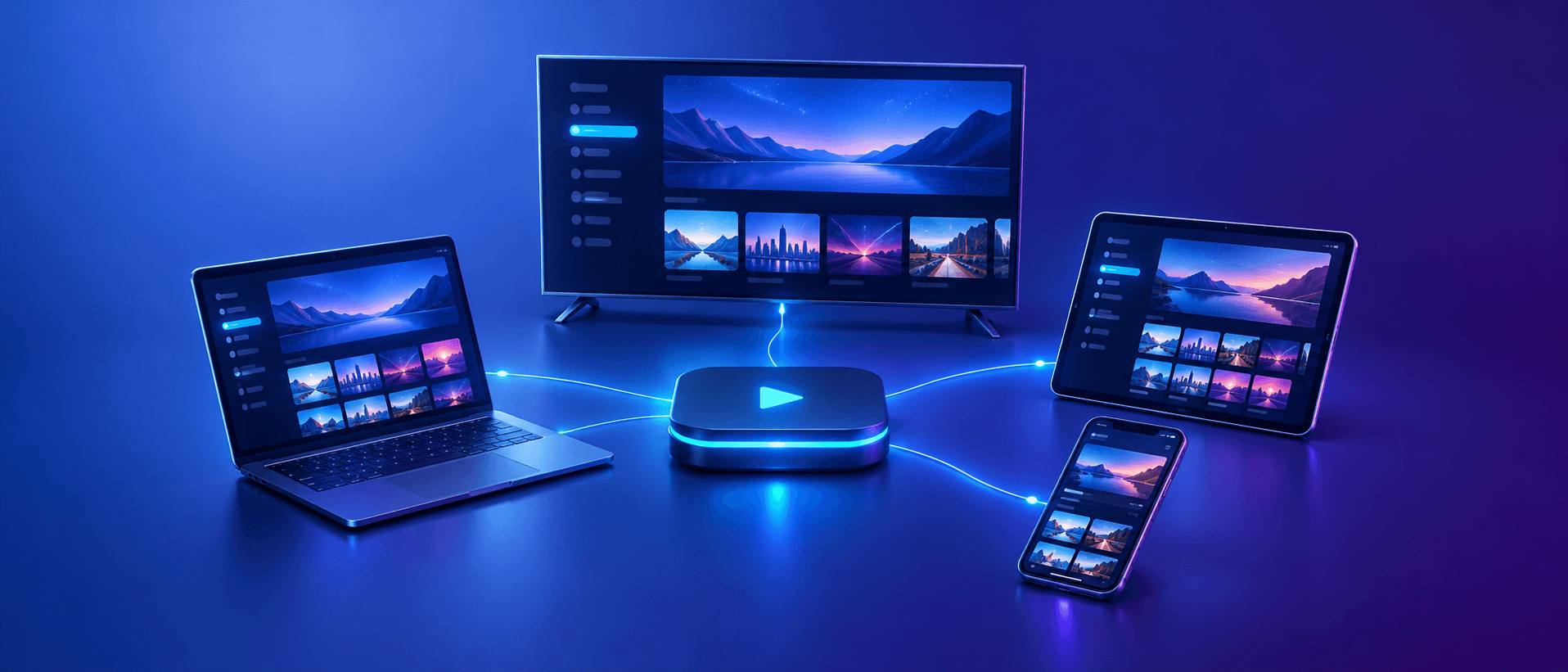
- Devices: works on smart TVs, streaming sticks, phones, tablets and computers rather than one set-top box.
- Flexibility: watch in any room, or away from home, on any supported device.
- Contracts: many IPTV services run on monthly or multi-month plans rather than long fixed contracts.
- Reliability: satellite and cable do not depend on your broadband; IPTV does, so a weak connection affects the picture.
- Weather: heavy rain or snow can interrupt satellite; IPTV is unaffected unless your internet is.
What you need to watch IPTV
Getting started requires just three things:
- An internet connection: around 5 Mbps per stream for HD, 8–10 Mbps for Full HD and about 25 Mbps for 4K. A wired connection or 5 GHz Wi-Fi gives the best results.
- A compatible device: a smart TV, Fire TV Stick, Android TV box, MAG box, phone, tablet or computer.
- A player app and a subscription: the app plays the content, and the subscription provides the channels and on-demand library.
Not sure which app to use? Our recommended apps page lists players for every device, the Fire TV Stick setup guide covers the most popular streaming stick, and our guide to the best IPTV apps for Samsung and LG TVs covers smart TVs.
IPTV terms you will come across
A few words come up again and again when you set up IPTV. Here is what they mean:
- Player app: the app that plays your subscription, such as TiviMate, IPTV Smarters or IBO Player. It does not include channels itself.
- Xtream Codes login: a username, password and server URL that load your live channels, guide and on-demand library in one go. The easiest way to log in.
- M3U link: a single web address containing your channel list. An alternative to Xtream Codes, usually with the guide added separately.
- EPG: the electronic programme guide, the on-screen TV guide showing what is on and when.
- Catch-up: the ability to replay programmes that have already been shown, on channels that support it.
- VOD: video on demand, the library of films and series you can start at any time.
- Connection: one stream playing at a time. A plan with two connections lets two screens watch at once.
- Buffer: a few seconds of video your player stores in advance to smooth out small delays in your connection.
- MAG box: a dedicated IPTV set-top box that connects to a service using its MAC address instead of an app login.
You do not need to remember all of these. A good provider sends clear login details and setup instructions for your device, and support can talk you through anything unfamiliar.
Pros and cons of IPTV
Advantages:
- Live TV, catch-up and on-demand in one app.
- Works on almost any screen, at home or away.
- No dish or cable installation.
- Often more flexible plans than traditional pay TV.
- Several screens at once with a multi-connection plan.
Disadvantages:
- Picture quality depends on your internet connection.
- Busy evenings can cause buffering if your network or the service is under strain.
- Some initial setup is needed, such as installing a player app.
- Quality and reliability vary a lot between providers, so choosing carefully matters.
Is IPTV legal?
IPTV itself is simply a technology, and it is completely legal. Broadband providers, broadcasters and streaming platforms all use it. What matters is whether the service has the rights to the content it offers. Before you subscribe to any provider, check that it is open about who it is, has clear terms and a refund policy, and offers proper support. Laws on streaming differ from country to country, so if you are unsure, check the rules where you live.
How to choose an IPTV service
A few checks help you separate reliable services from the rest:
- A free trial, so you can test quality before paying.
- Stable streams on a busy evening, not just a quiet afternoon.
- A complete programme guide with accurate times.
- Support that replies quickly through a channel you use, such as WhatsApp or email.
- Clear pricing and terms, with no hidden fees.
- Enough connections for everyone in your household.
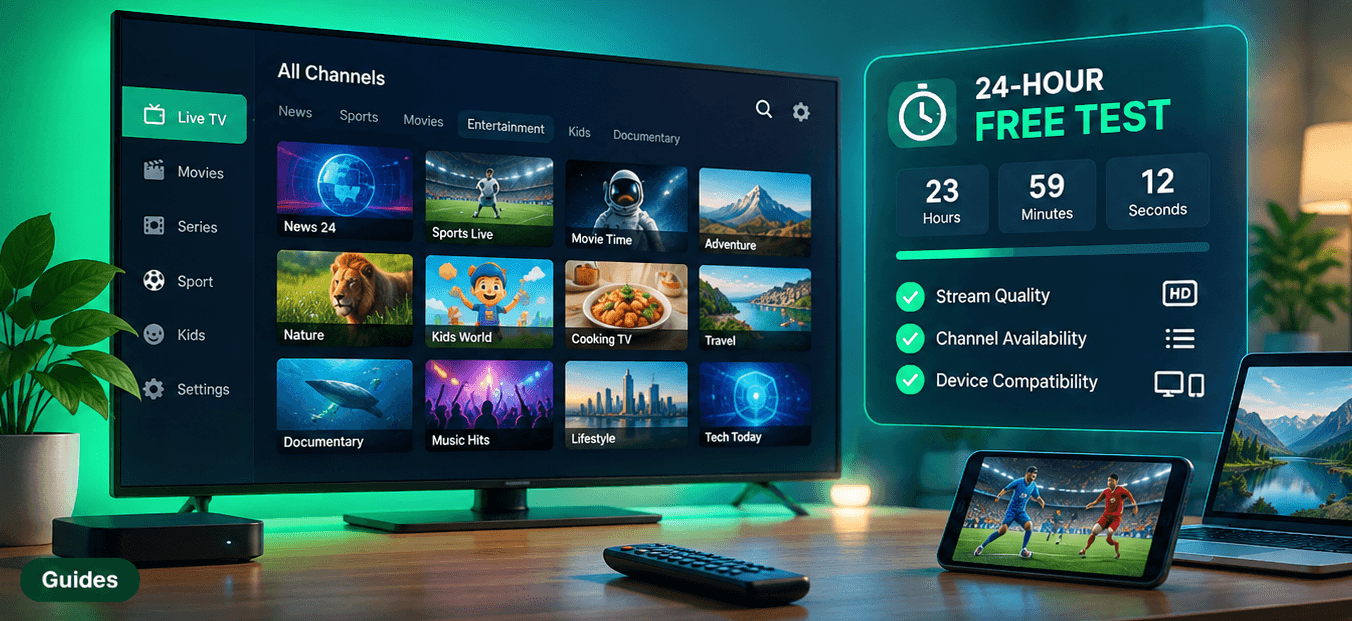
Our 24-hour IPTV free test checklist turns these checks into a simple plan you can follow during any trial.
Conclusion
IPTV is television delivered over the internet. Instead of a dish or cable, a player app requests the channel you want and streams it to your screen, alongside catch-up and an on-demand library. All you need is a decent connection, a compatible device and a reliable service.
Want to see how it works for yourself? Request a free trial of REVO IPTV, install a player on your TV or streaming stick and test it in your own home before choosing a plan. If you have questions, our support team is happy to help.
Frequently asked questions
What does IPTV stand for?
IPTV stands for Internet Protocol Television: TV delivered over an internet connection instead of a cable, satellite or aerial signal.
Do I need a special box for IPTV?
No. Most smart TVs, Fire TV Sticks, Android boxes, phones, tablets and computers can play IPTV with the right app. A dedicated box such as a MAG device is optional.
What internet speed do I need for IPTV?
Around 5 Mbps per stream for HD, 8–10 Mbps for Full HD and about 25 Mbps for 4K. Add extra headroom if several people stream at the same time.
Can I watch IPTV on more than one TV?
Yes. You can install it on several devices, and you can watch on several screens at the same time if your plan includes enough connections.
Is IPTV better than satellite?
It is more flexible, needs no dish and works on many devices, but it depends on your internet connection. With a good connection, picture quality is comparable.